
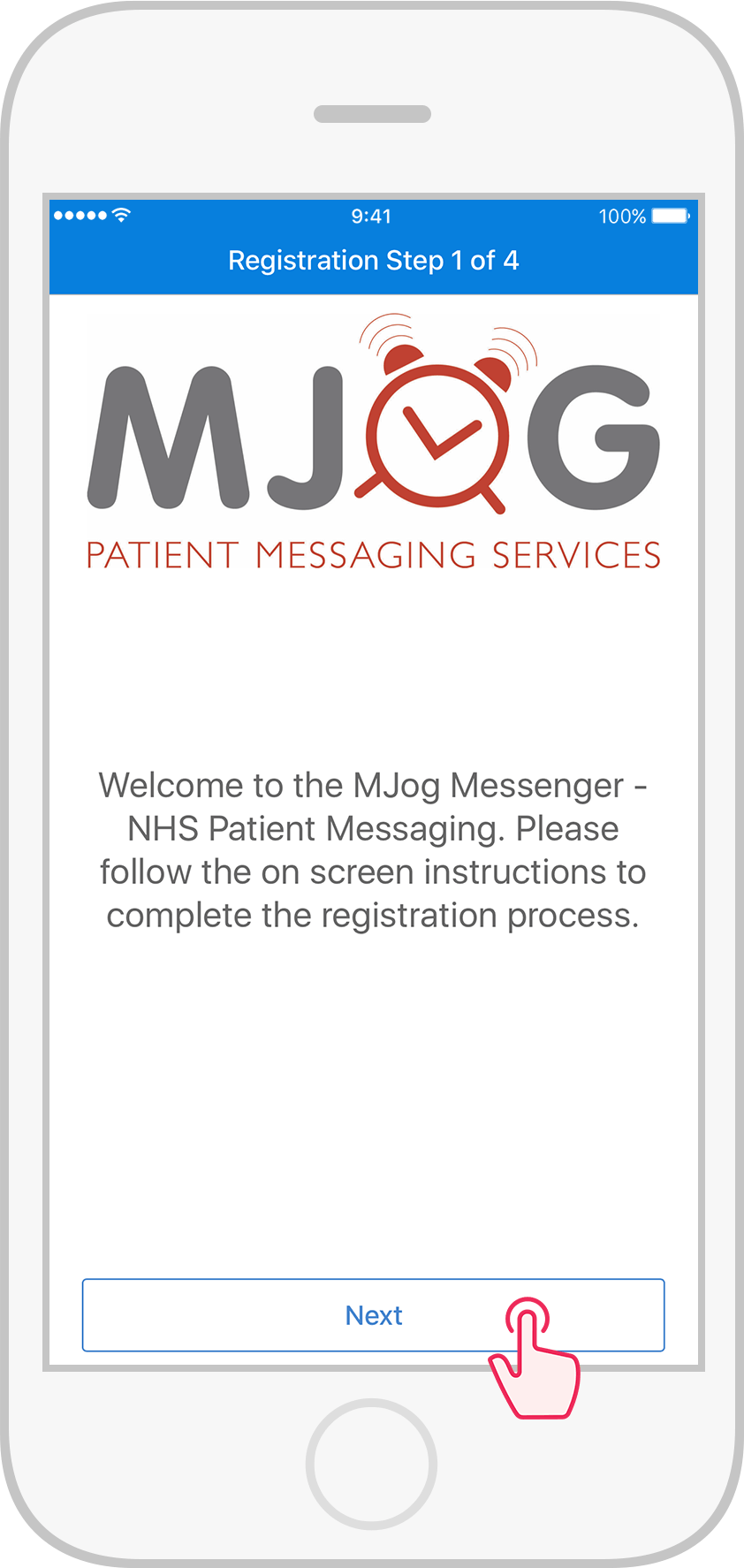
Tap Next.

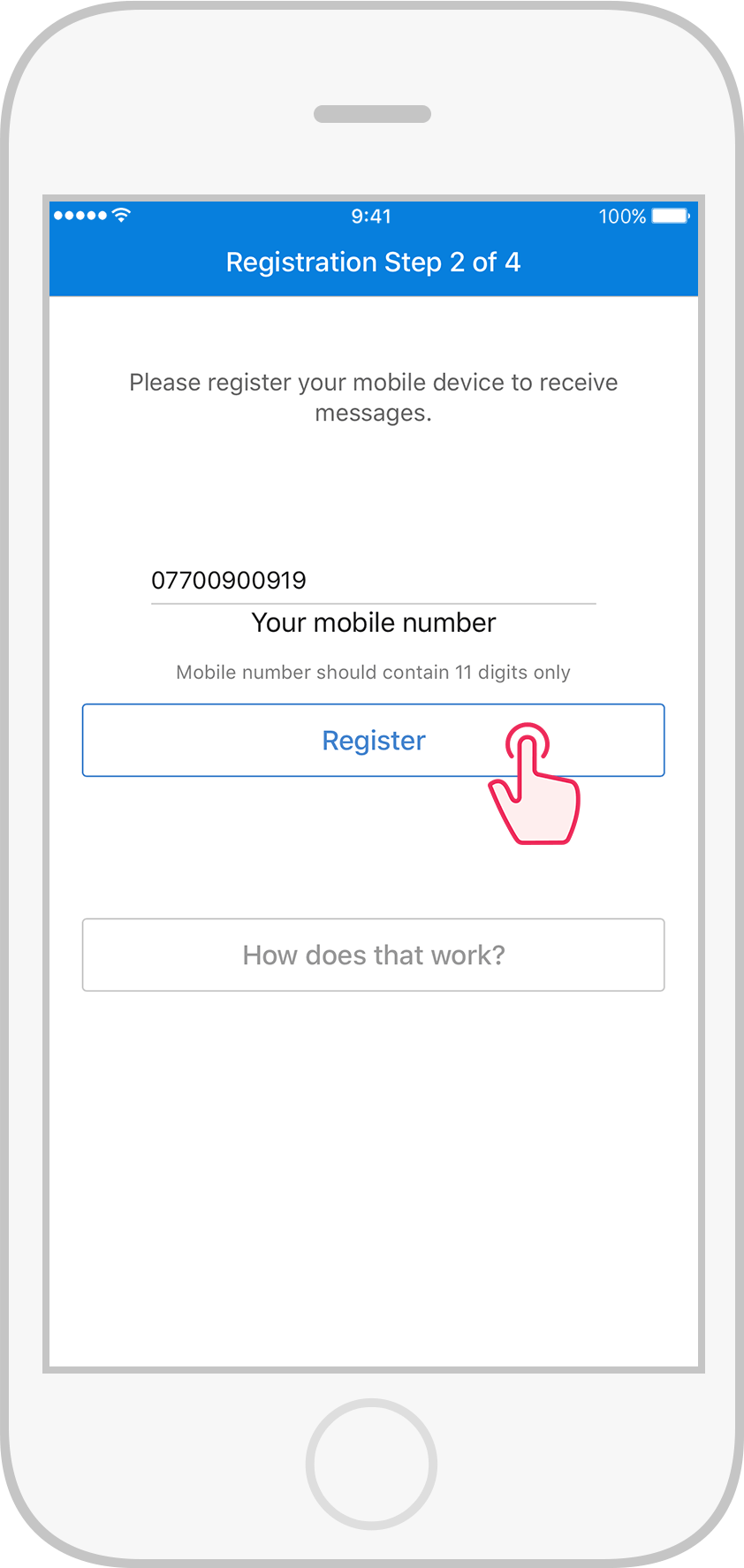
Key in your mobile number, then tap Register.

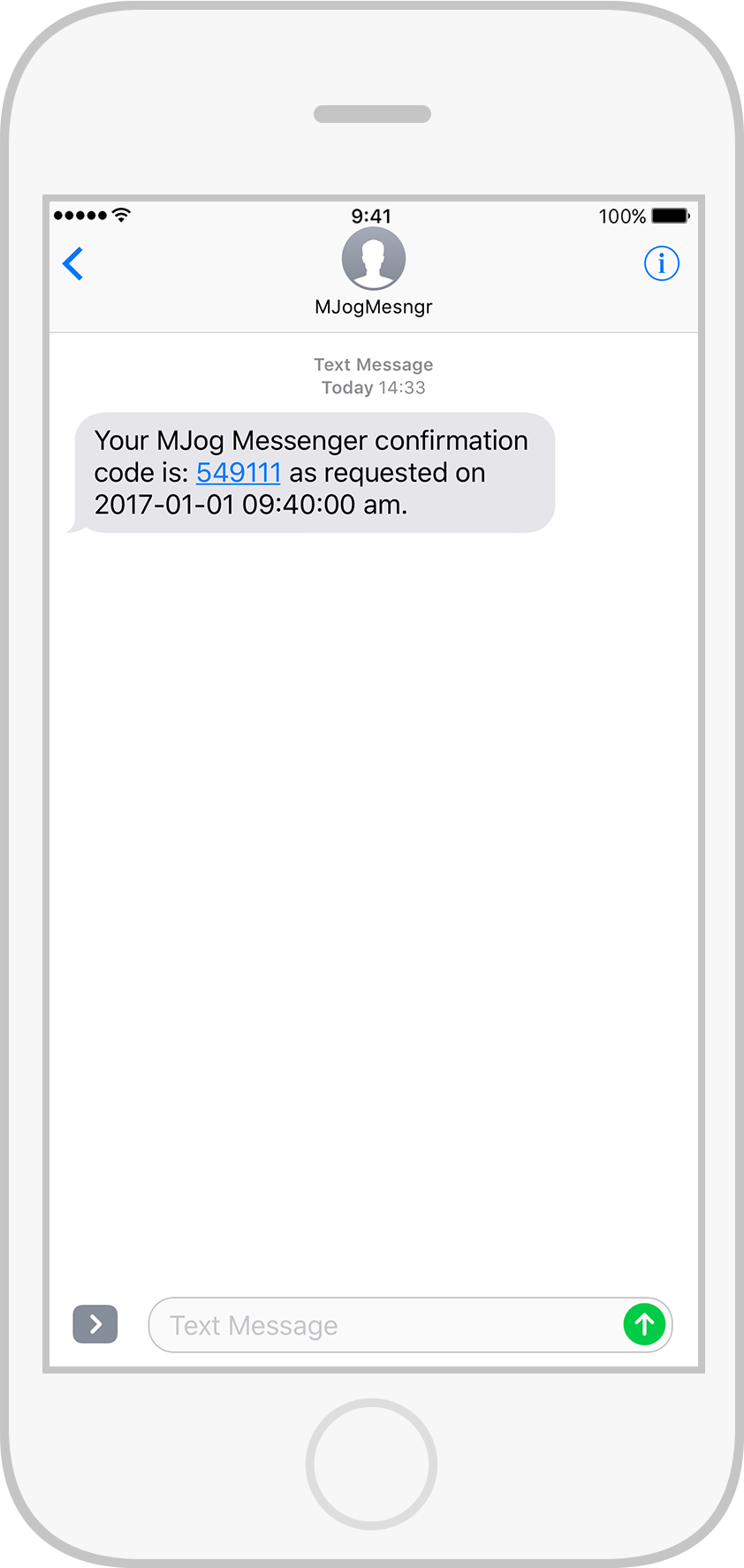
You will receive a text message from MJogMesngr containing your confirmation code.

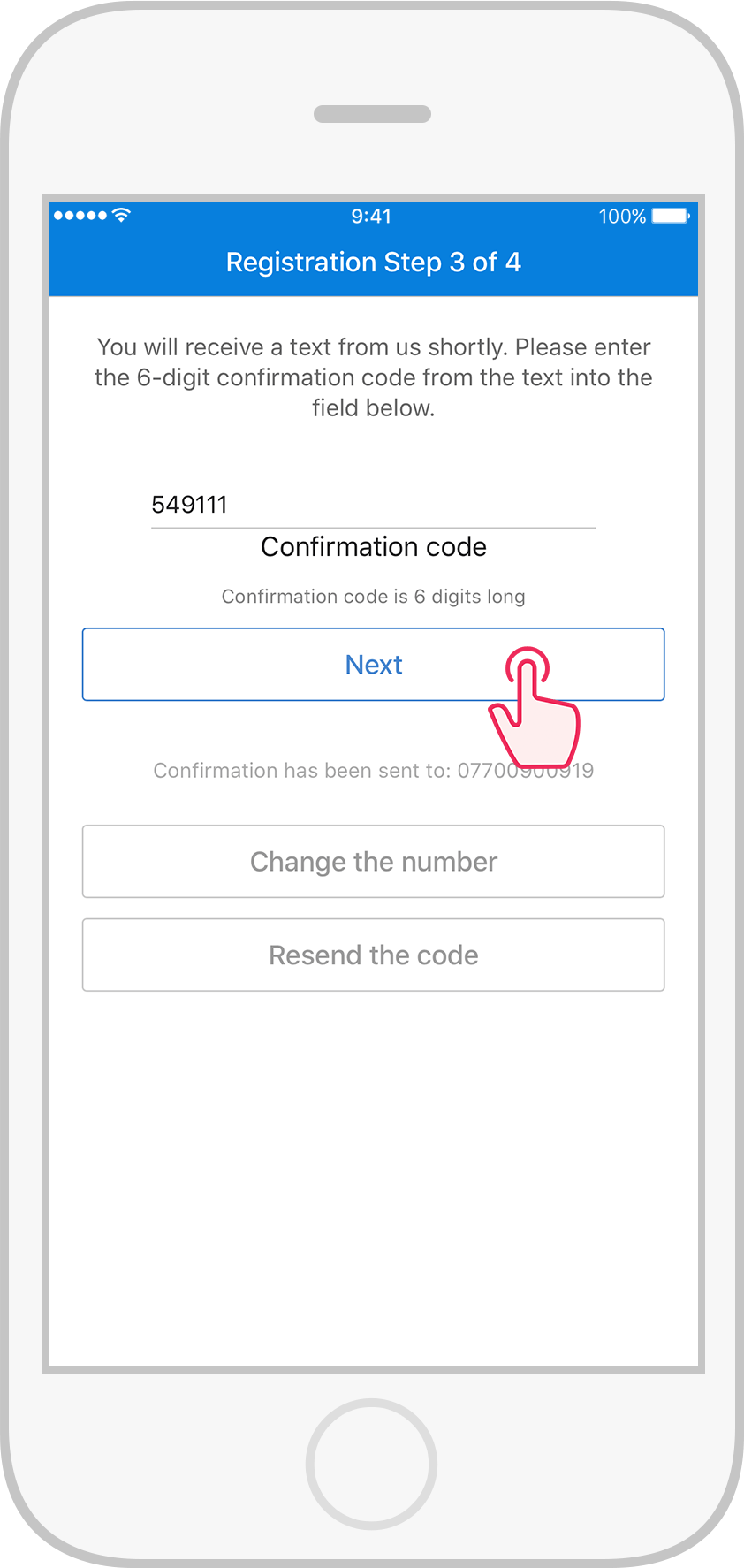
Key in the confirmation code, then tap Next.

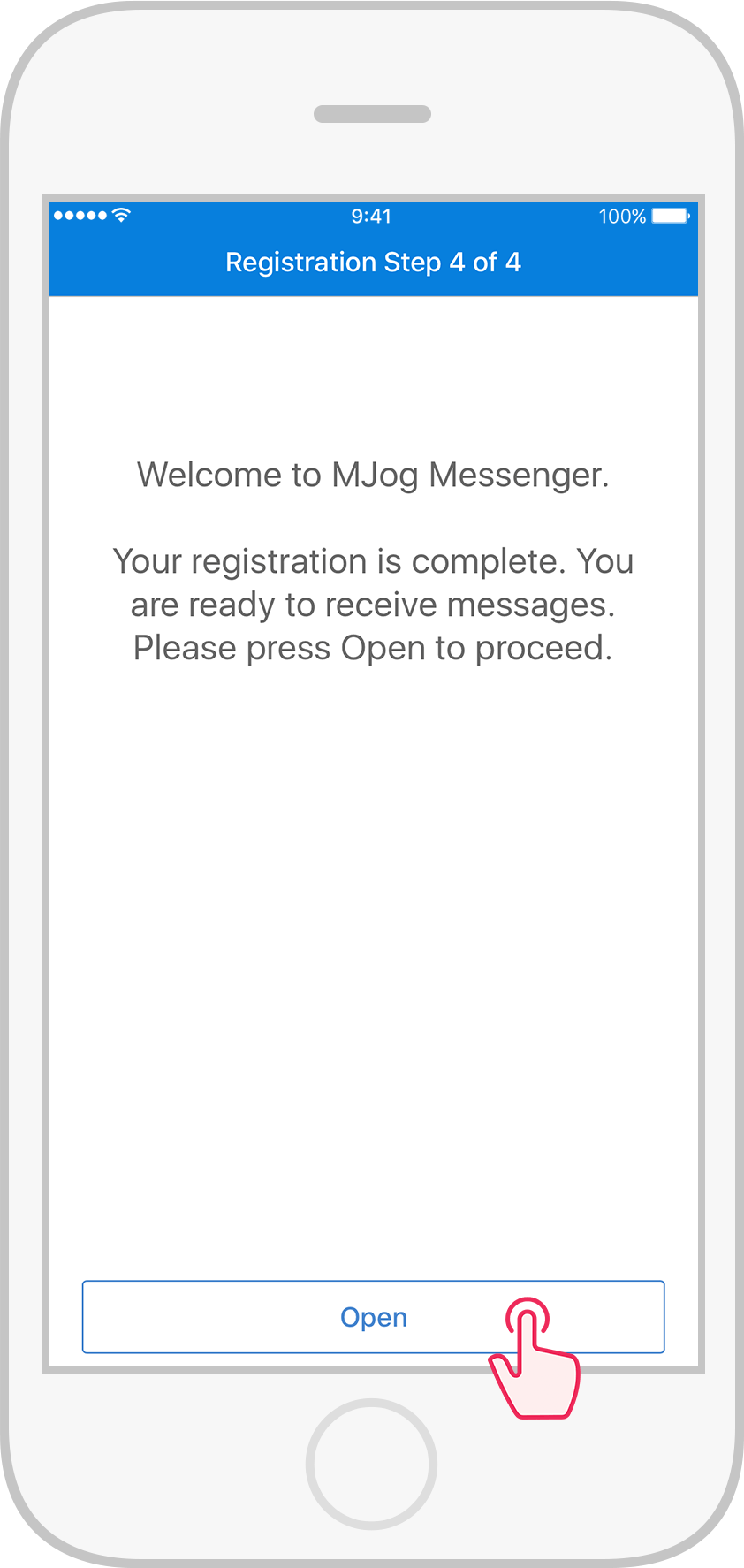
Tap Open to start using the app.
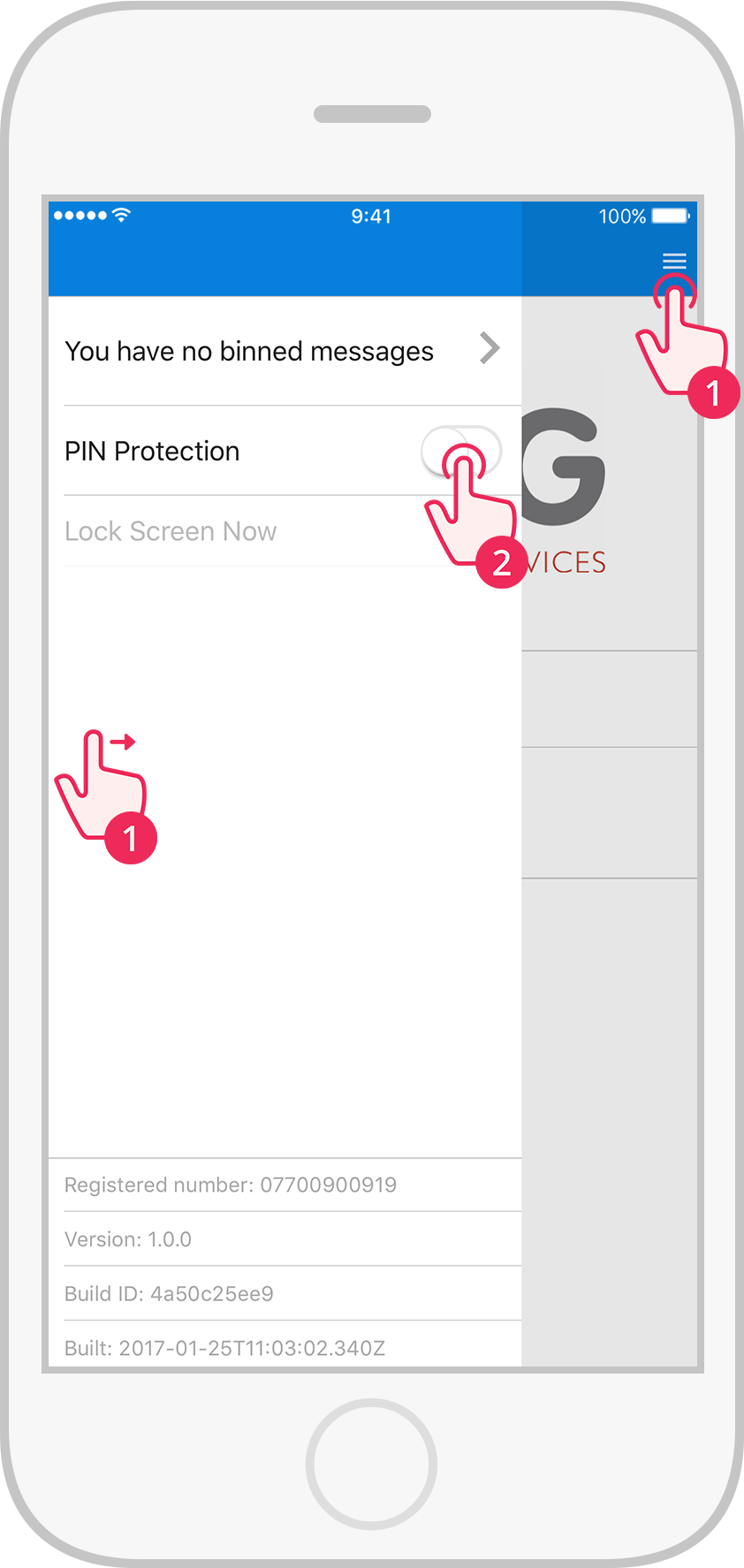
Swipe right or tap , then tap the PIN Protection switch.
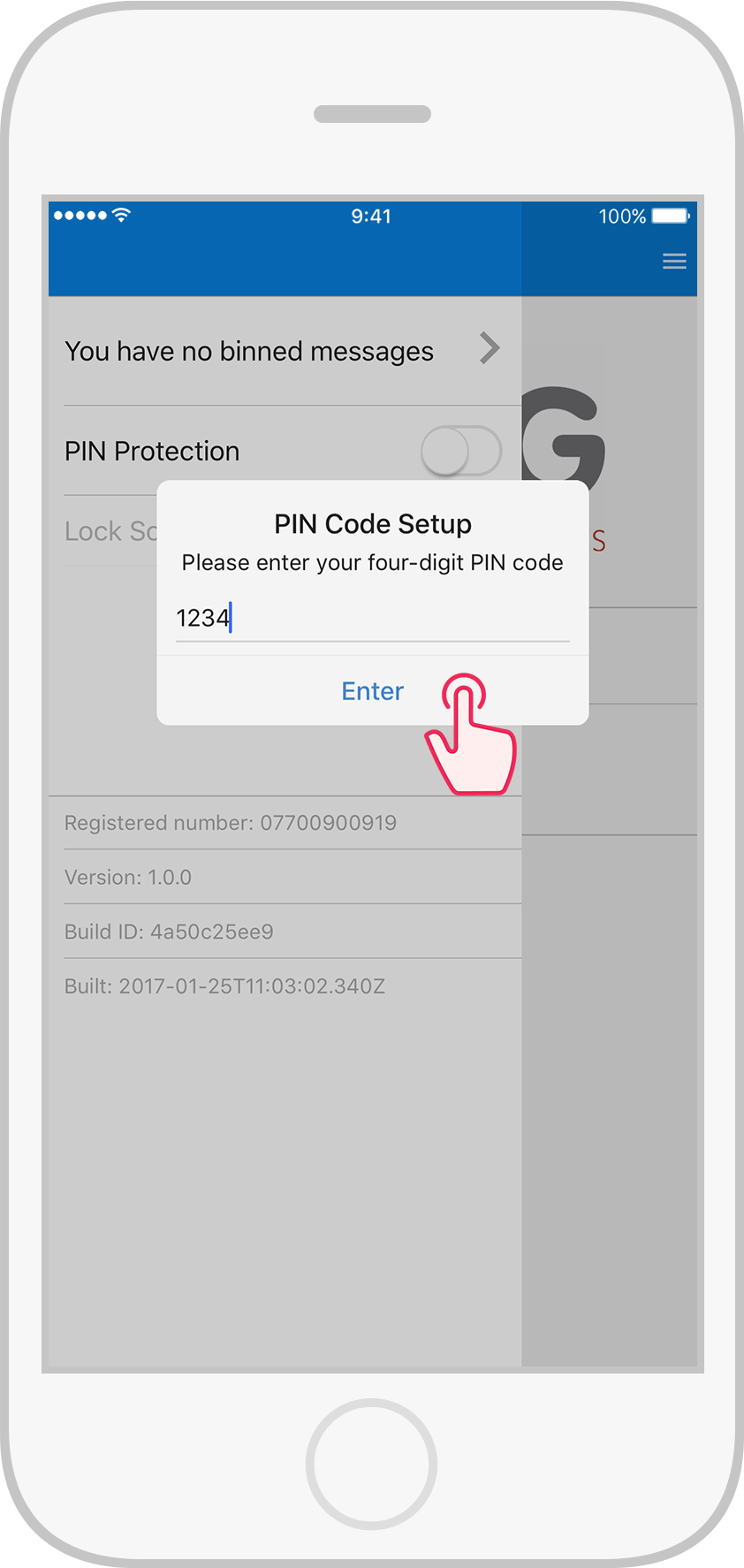
Key in your PIN code, then tap Enter.
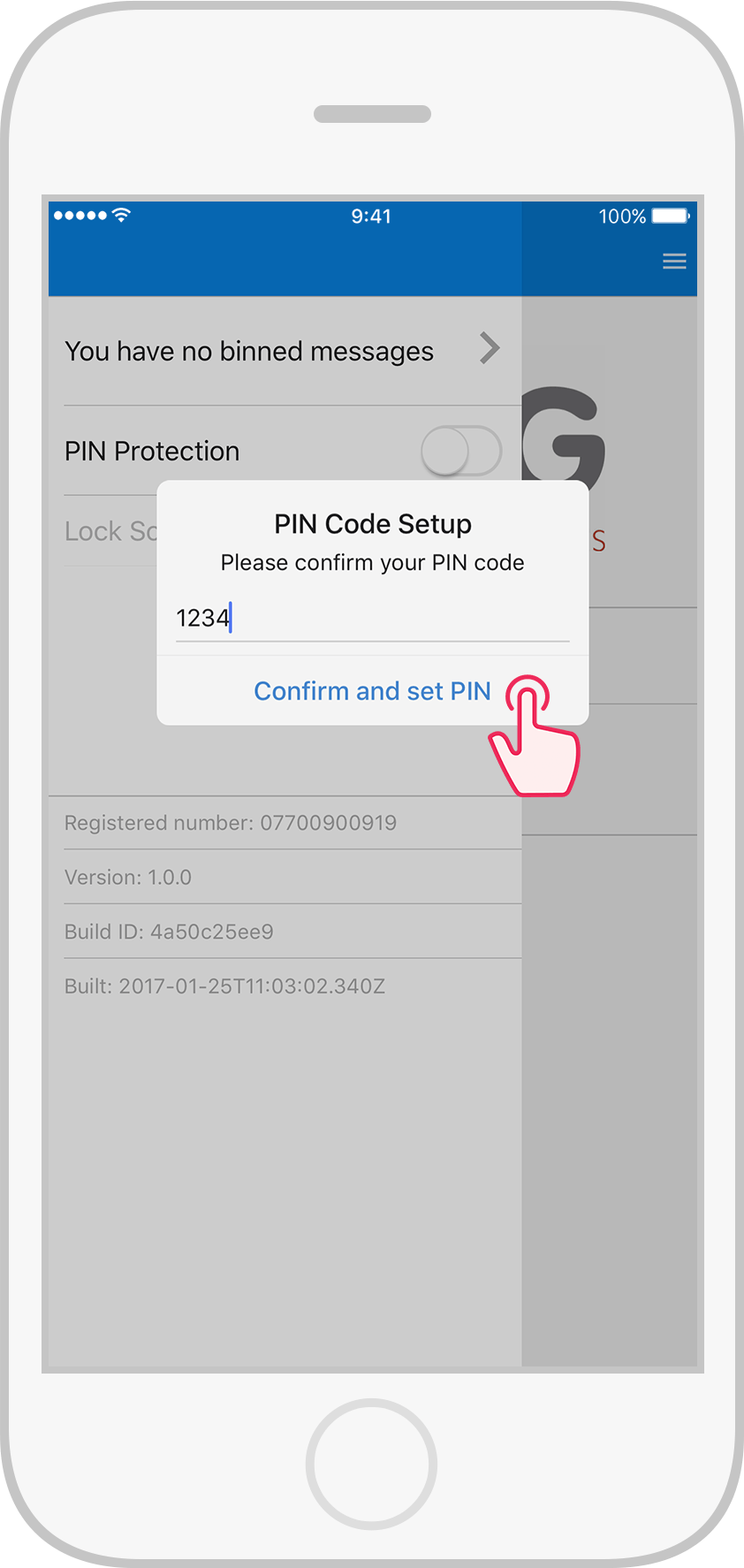
Key in your PIN code again, then tap Confirm and set PIN.
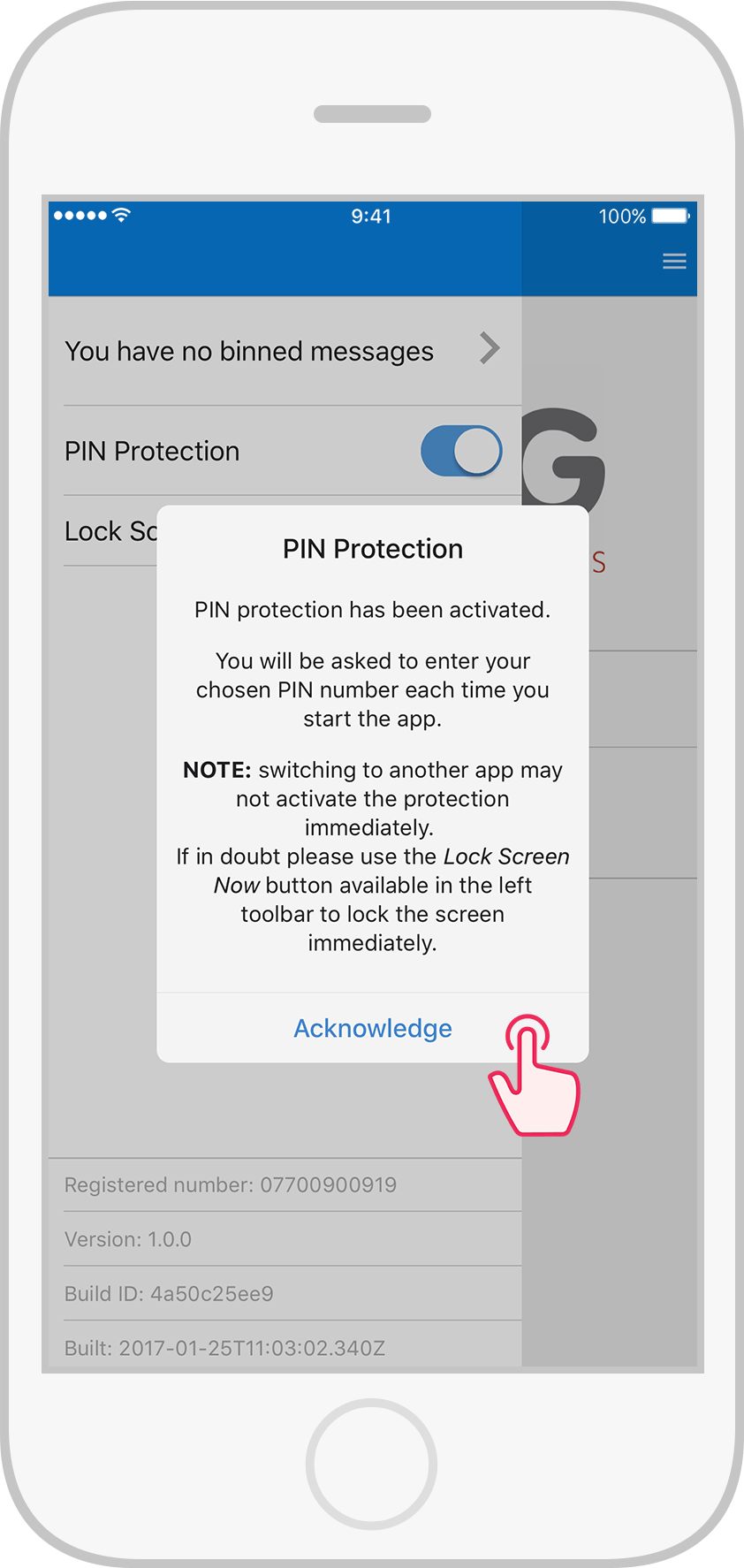
Read the PIN Protection alert, then tap Acknowledge.
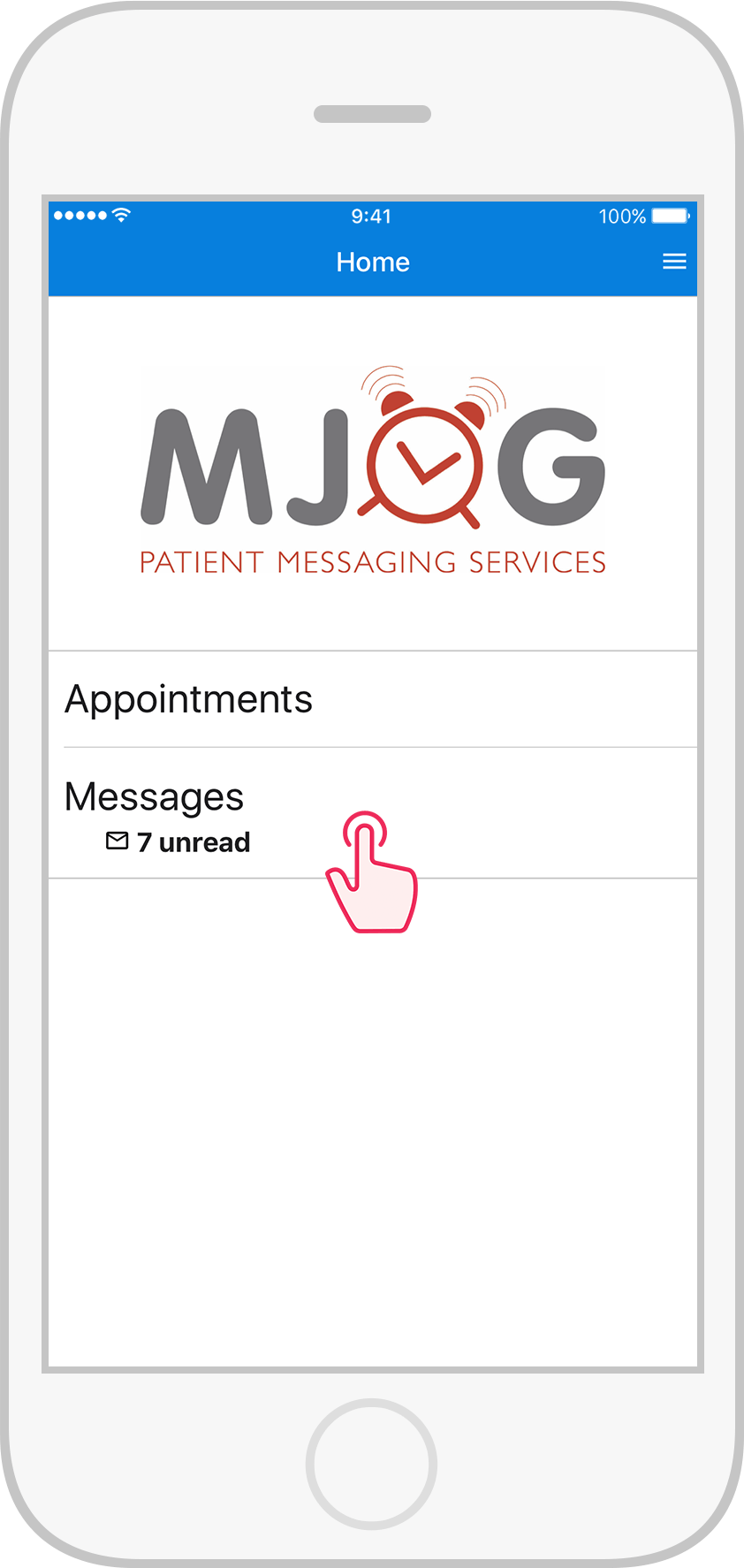
Tap Messages.
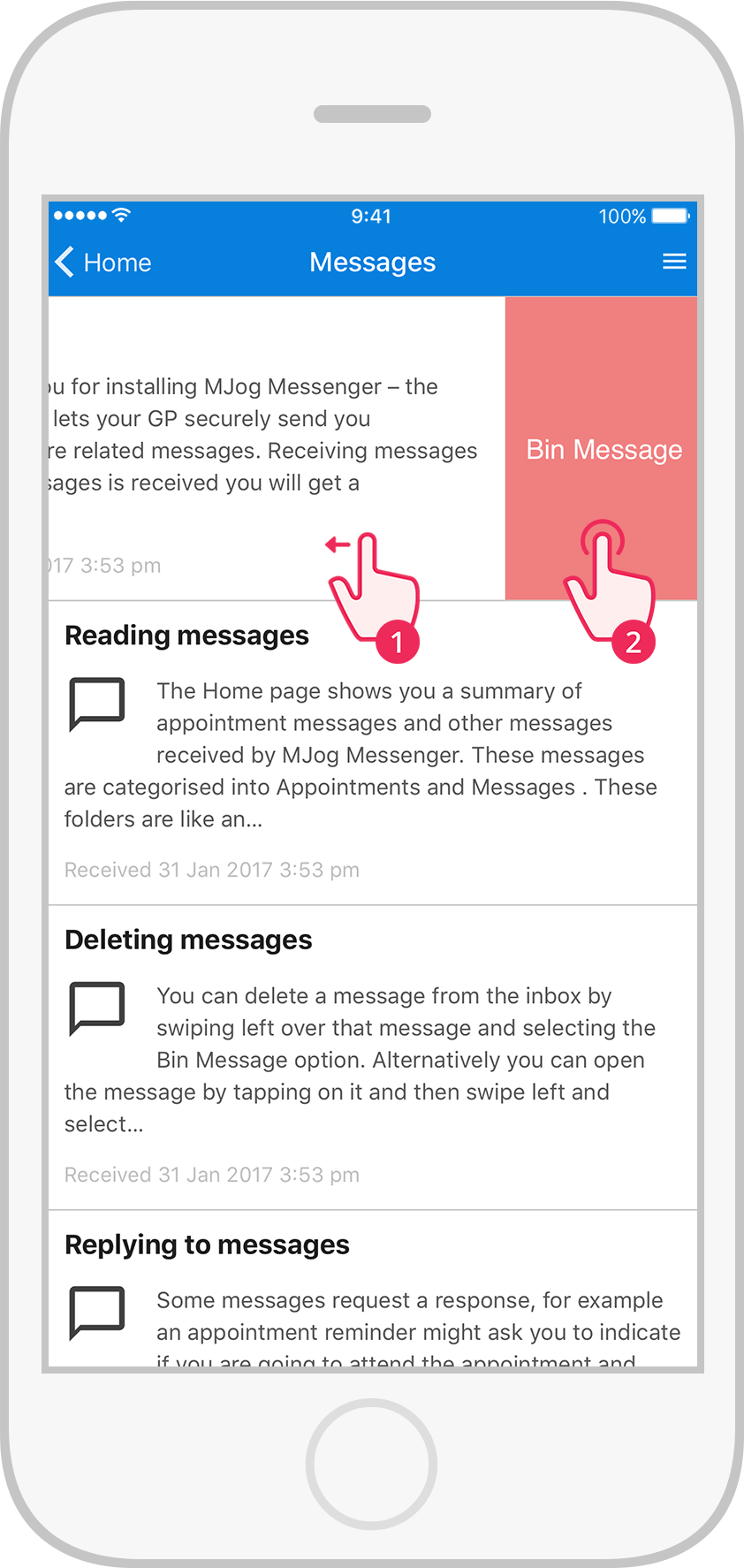
Locate the Welcome message, swipe left, then tap Bin Message to delete.
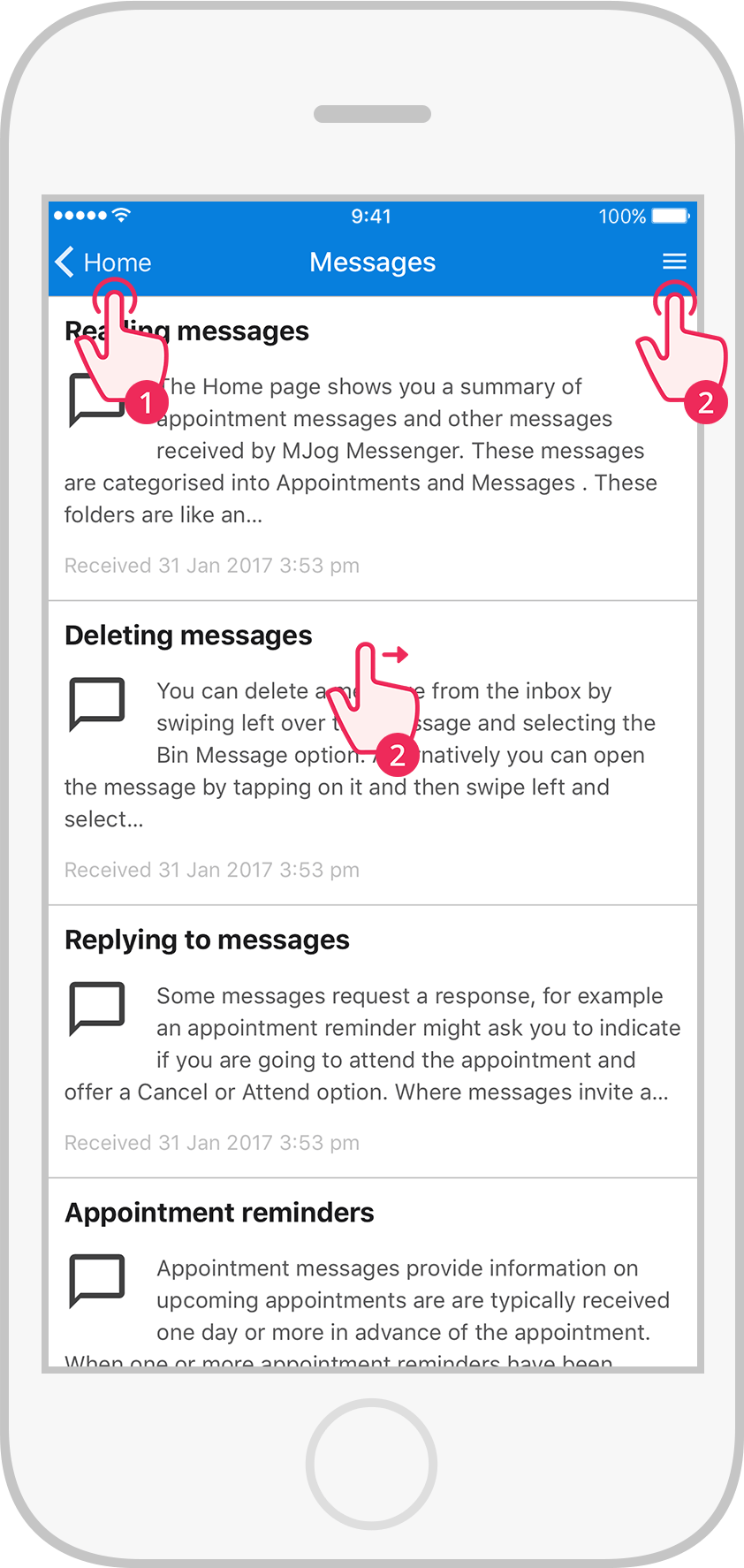
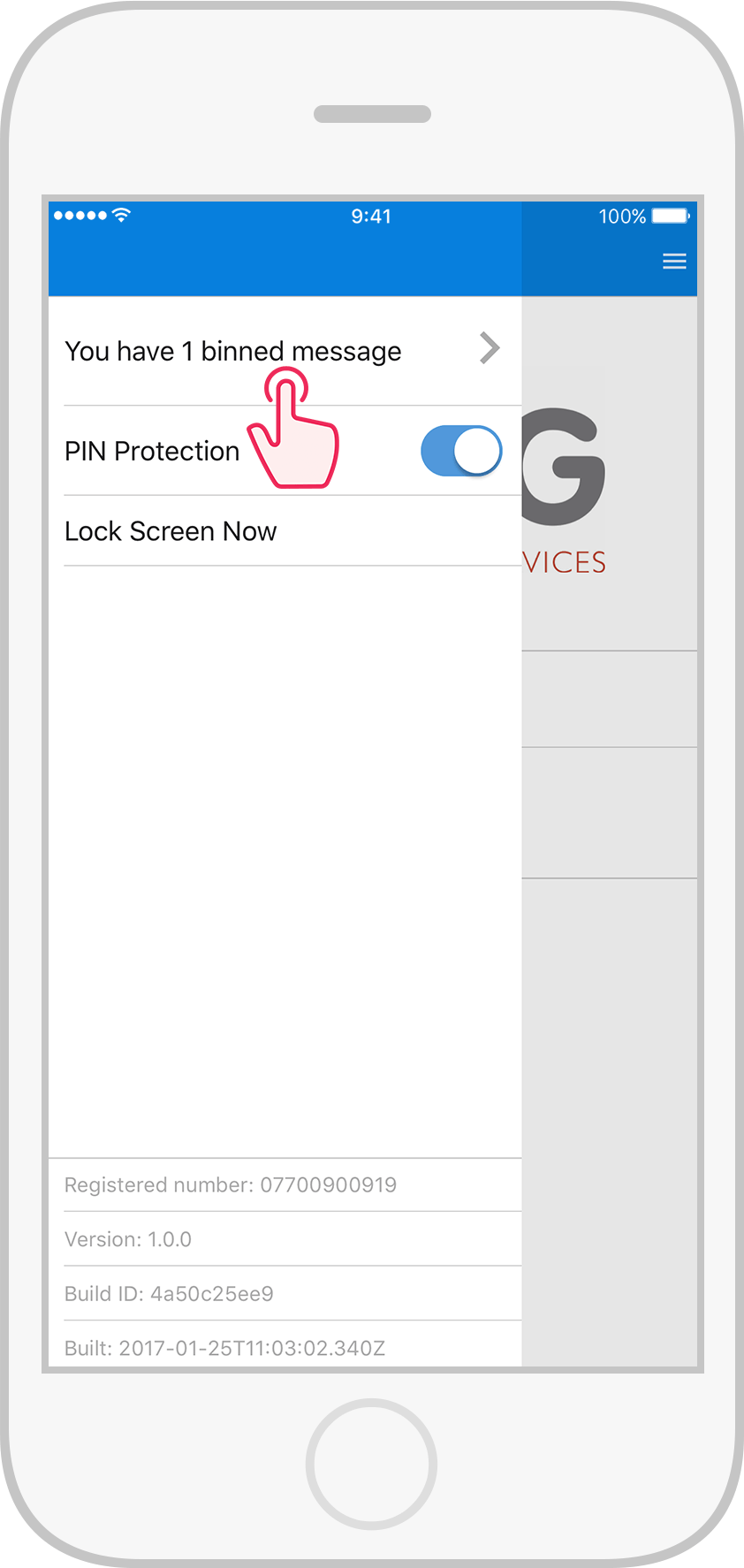
Tap Home, then swipe right or tap .
Tap You have 1 binned message.
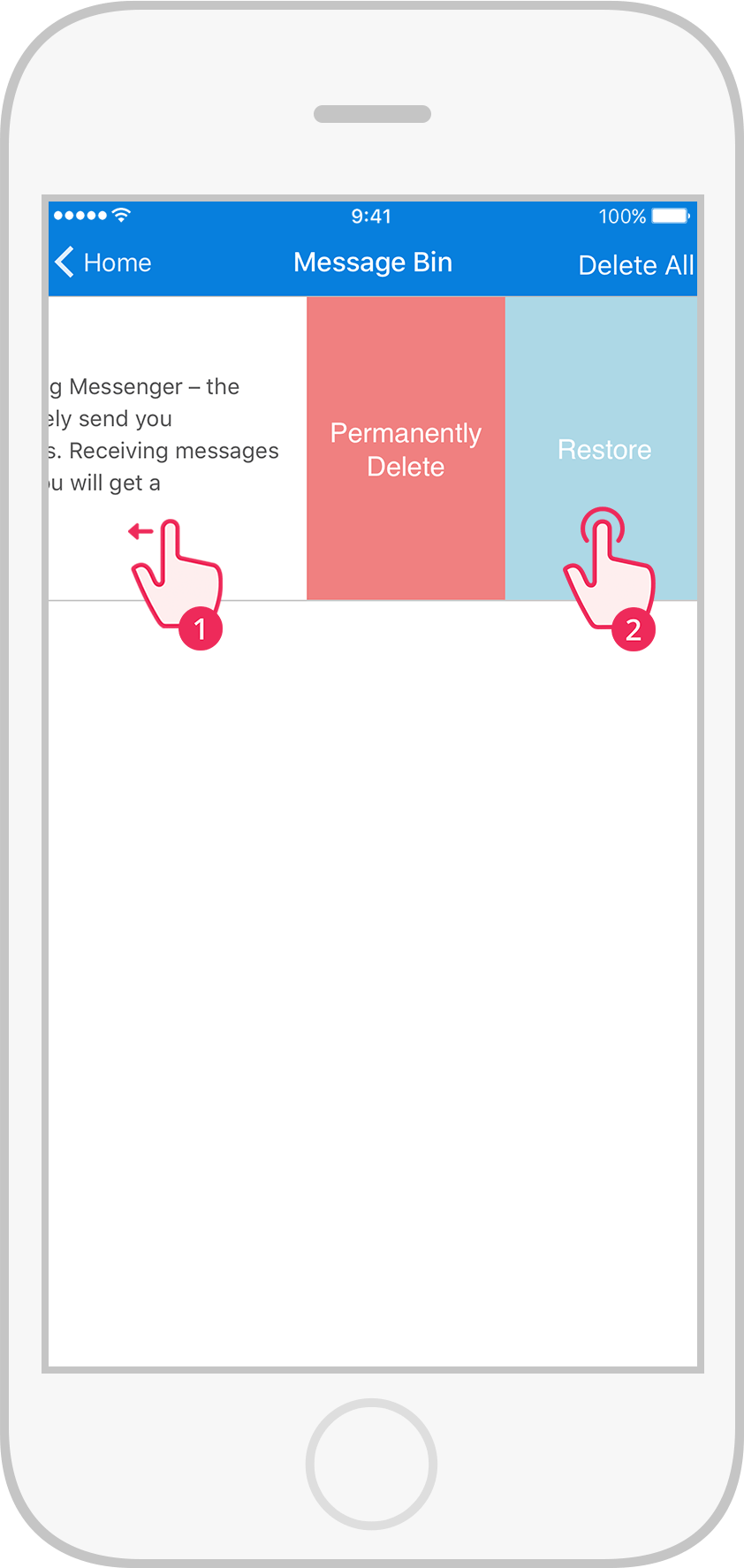
Locate the Welcome message, swipe left, then tap Restore to undelete the message.

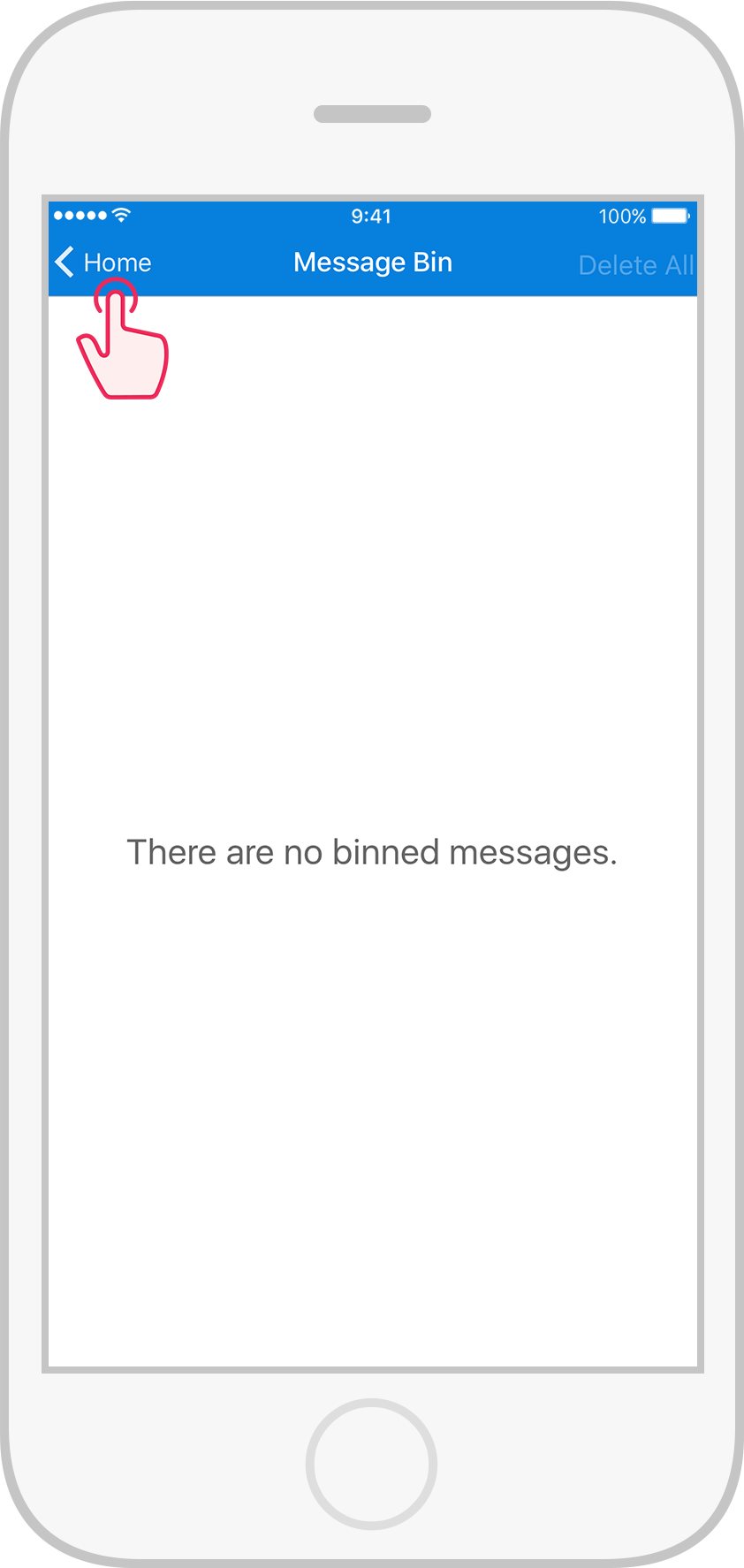
Tap Home.

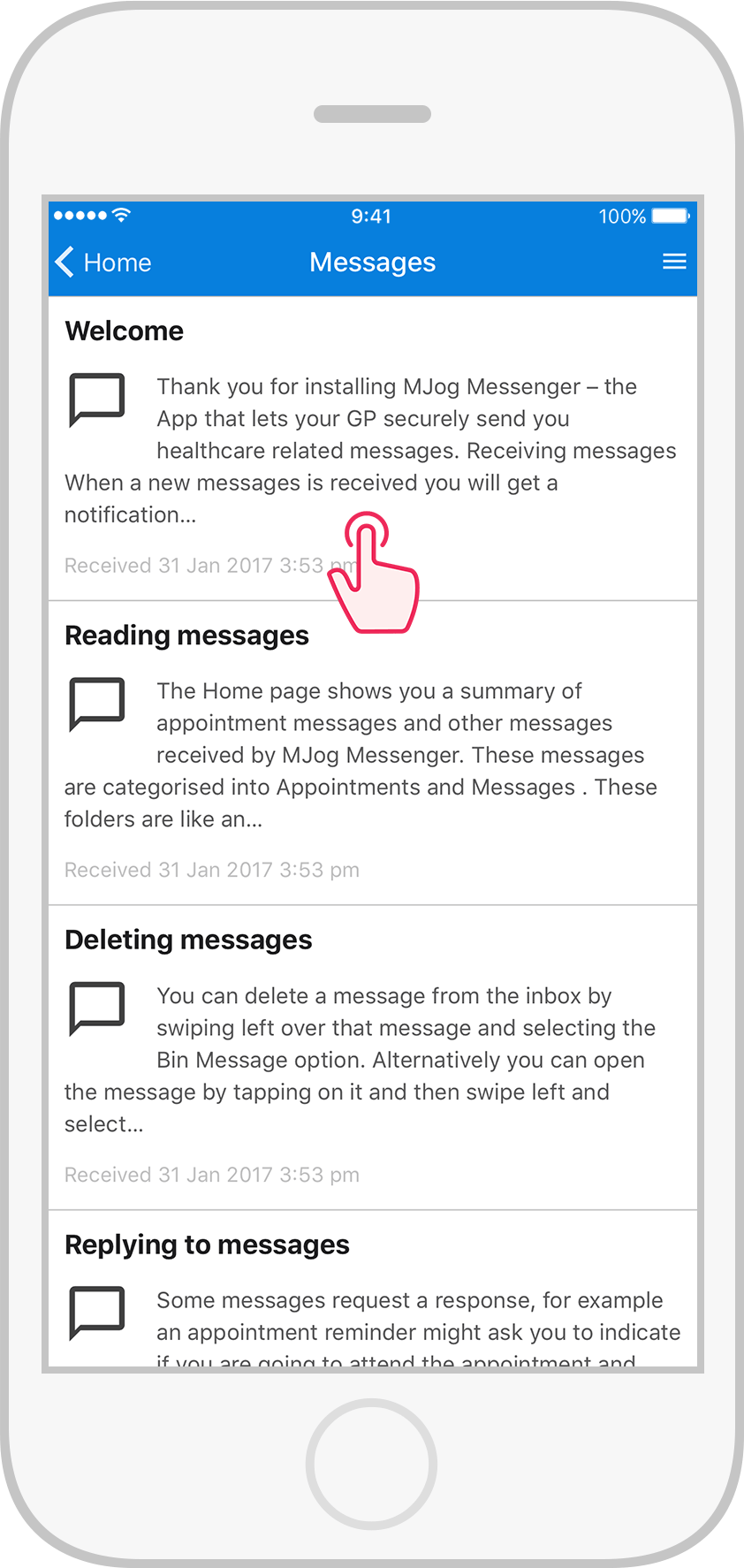
Tap Messages.
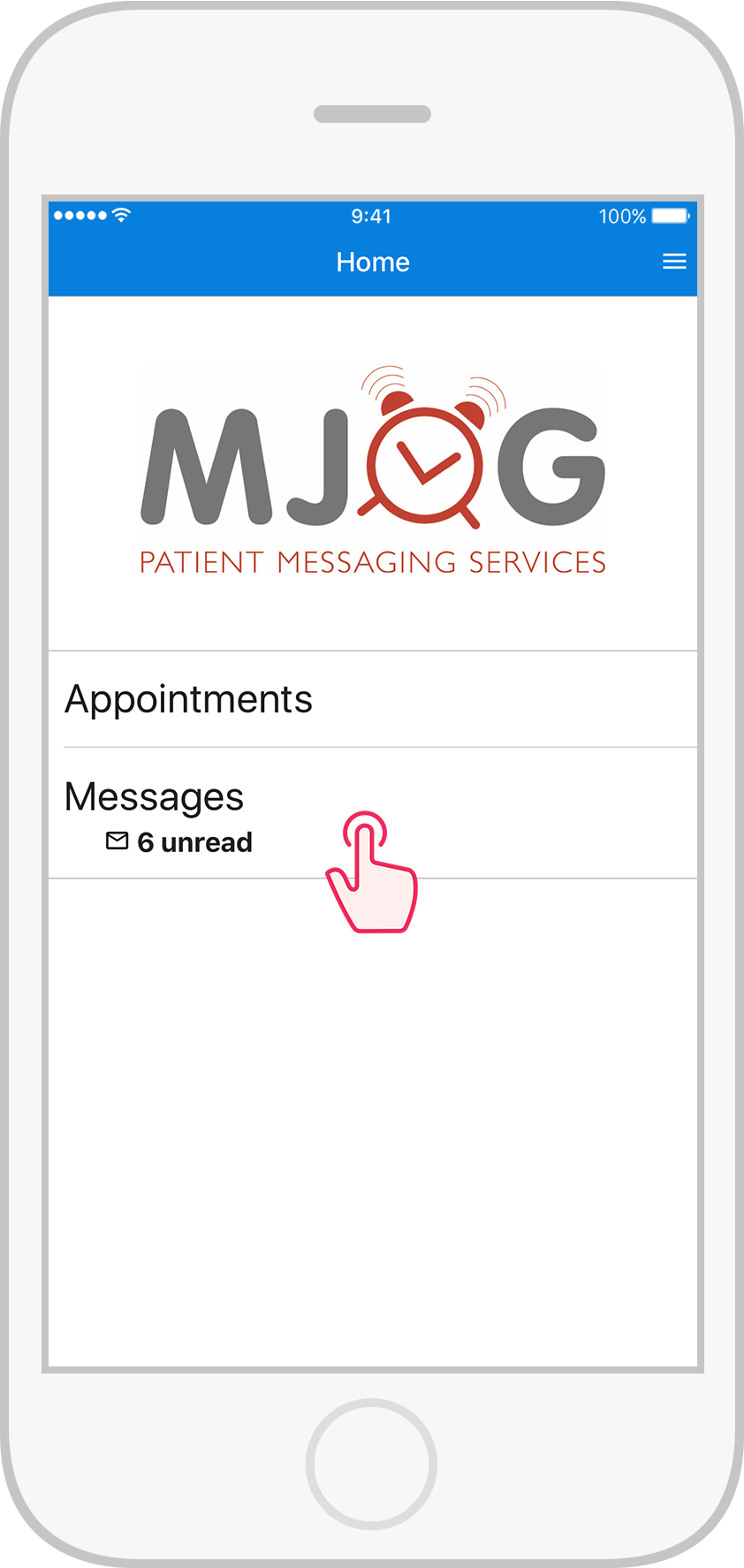

Tap the Welcome message to read.
© 2017 MJog Limited
Apple and the Apple logo are trademarks of Apple Inc., registered in the U.S. and other countries. App Store is a service mark of Apple Inc., registered in the U.S. and other countries
Google Play and the Google Play logo are trademarks of Google Inc
 MJog Messenger